App Blocking
Choose distracting Android apps. With Accessibility enabled, Noctra can detect when a selected app opens and apply your rule.
Noctra • November 2026 • 18+
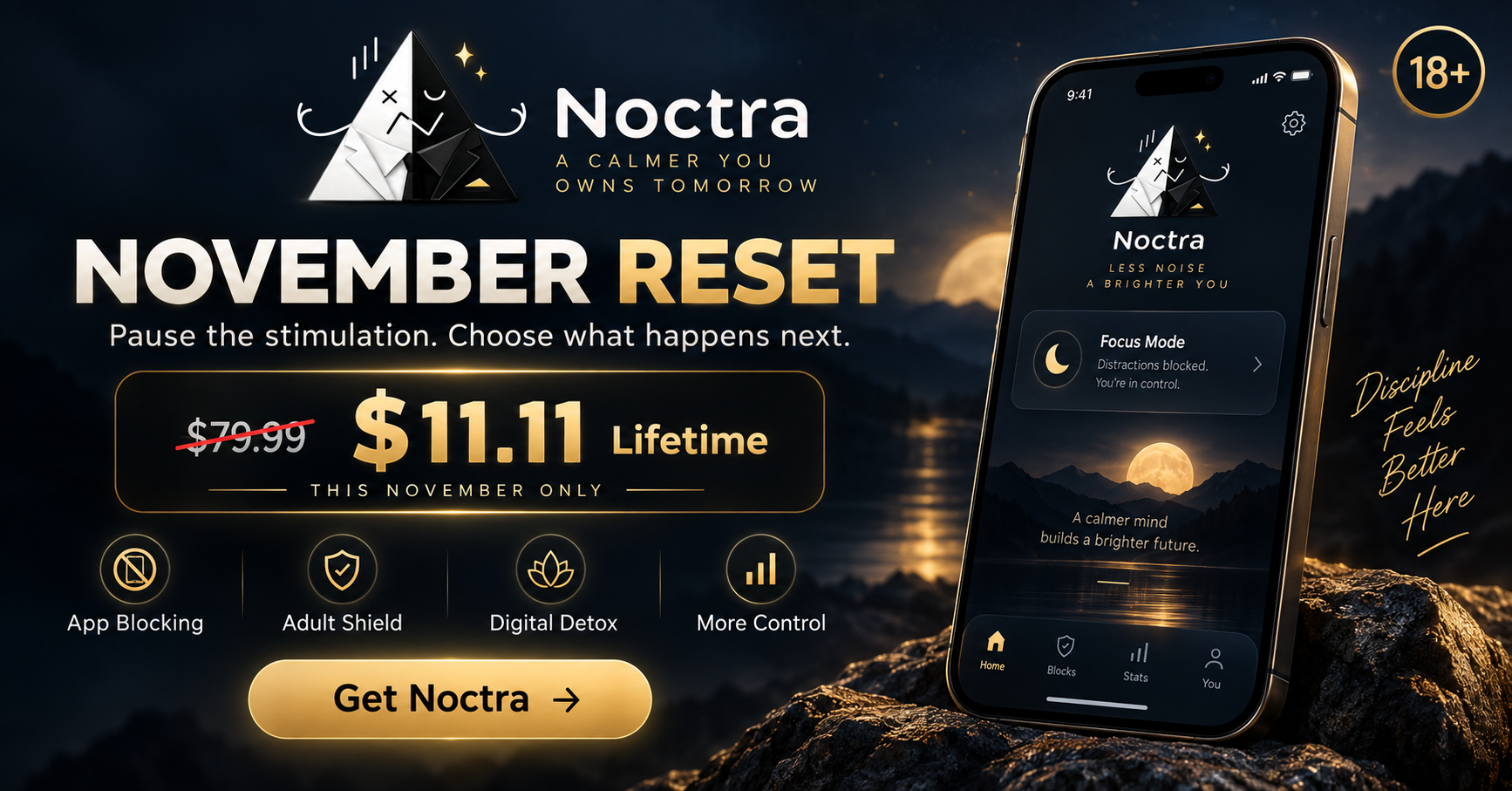
Take on Noctra's November Reset with distracting-app blocking, Adult Shield, progress tracking, and a fixed 30-day commitment.
Built for adults taking on No Nut November, No Goon November, No Fap November, or a personal 30-day no-porn reset.
Android · Free download · Optional in-app purchases
30days in the Reset
2protection layers: apps + supported domains
1commitment you define
View the November offerWhy this Reset exists
Digital triggers rarely arrive as a formal decision. They appear as an automatic app open, a late-night scroll, an unrestricted browser, or a familiar path to adult content.
Noctra's 30-Day November Reset adds friction before that moment. It lets you define distracting apps, enable a DNS-based adult-content blocker, and keep the commitment visible instead of renegotiating it every time.
This is a digital wellbeing tool—not a diagnosis, treatment, or promise of a particular outcome.
What Noctra actually does
Noctra combines an Android app blocker with domain filtering and a visible 30-day structure. Each tool has a specific job—and clear limits.
Choose distracting Android apps. With Accessibility enabled, Noctra can detect when a selected app opens and apply your rule.
Use DNS-based filtering for supported adult and malicious domains. It cannot guarantee every item on mixed-content platforms is blocked.
Make a fixed November commitment, configure the required protection, and keep the finish line clear.
Keep progress visible and use Noctra's focus tools to support the boundaries you chose.
The November story
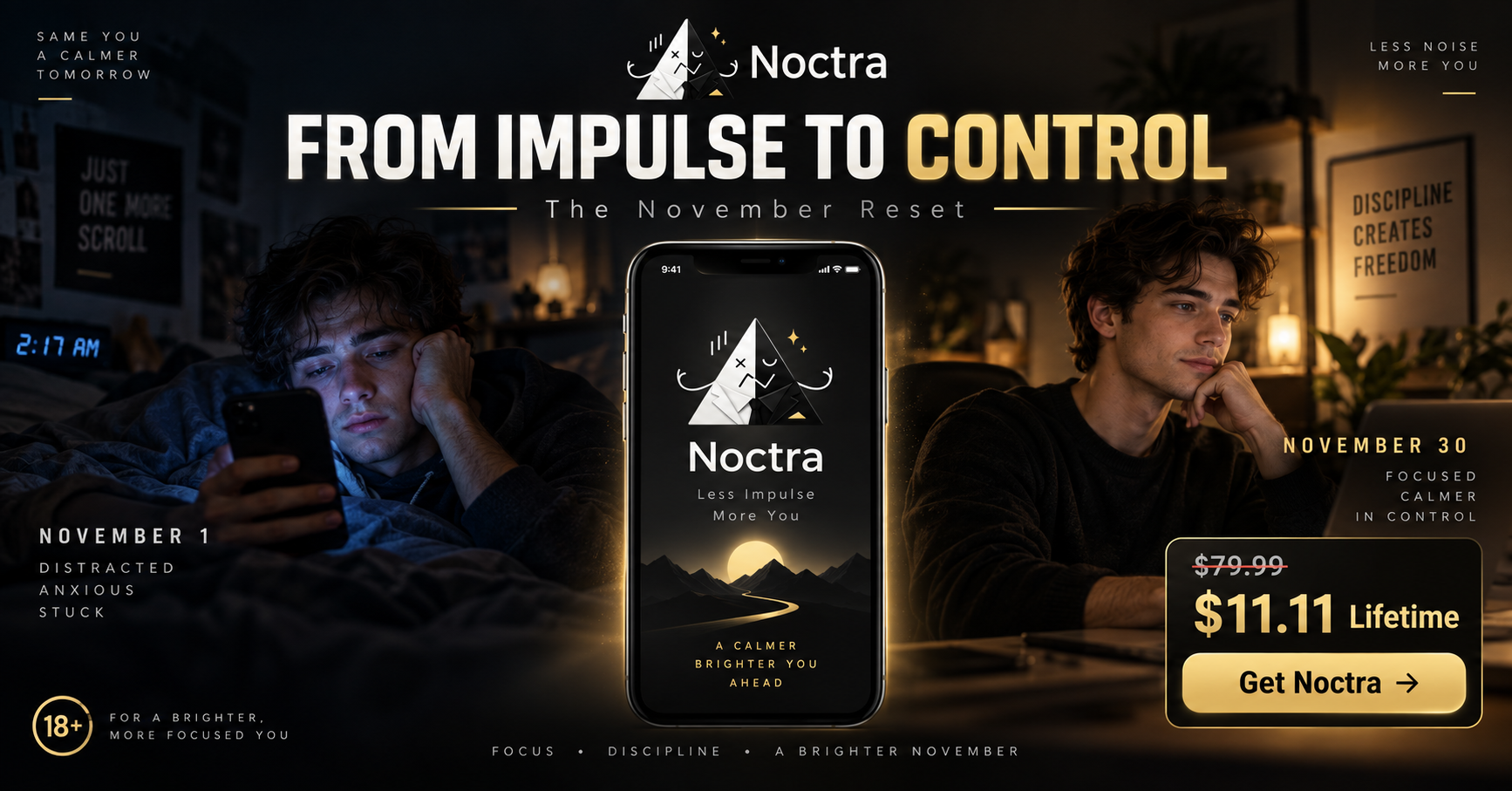
The Reset is not about becoming a different person overnight. It is about making one deliberate boundary easier to follow for 30 days.
Pause the automatic app open. Add friction to supported adult sites. Notice progress. At the end of November, keep the tools and routines that were useful.
Less noise. More you.
Official campaign video
Watch the campaign introduction to see how Noctra frames the 30-day commitment and the tools designed to support it.
Six clear steps
Open Noctra and start the fixed 30-day November Reset.
Choose the apps and digital routines that you want to change.
Grant the feature-specific Android permissions and activate Adult Shield where your Reset requires it.
Keep your boundaries active and check progress without turning the month into a perfection contest.
Finish the commitment you defined for November 1 through November 30.
Continue using Noctra's app limits, Adult Shield, and focus tools beyond November.
November 1–30, 2026 · Eligible markets
A one-time purchase through Google Play. Keep eligible Noctra Premium access after November for the supported lifetime of the product.
Local pricing and availability may vary. Google Play displays the final price before purchase. “Lifetime” means the supported lifetime of the product; see the Refund Policy for details.
Privacy & trust
Noctra asks for feature-specific Android access only when you choose the related protection. You can revoke permissions in Android Settings, but that feature will stop working.
Know before you join
No Nut November has no universal official rulebook. These are Noctra's practical 18+ campaign commitments, not medical instructions.
Choose what your Reset means before November starts, then keep that boundary through November 30.
If Adult Shield is part of your Reset, leave it enabled during the active commitment.
Android generally allows one VPN service at a time. Another VPN can take over the authorization Adult Shield needs.
Noctra does not monitor or control a PC. This is a personal rule against moving elsewhere solely to bypass your Android boundaries.
Direct answers
No Nut November, often shortened to NNN, is an informal online challenge in which adults choose a personal abstinence commitment for November. There is no universal official rulebook, and it is not medical guidance.
It is an adults-only, fixed 30-day campaign that brings Noctra's selected-app blocking, Adult Shield, focus tools, and progress tracking into one November commitment.
Adults can use Noctra to add digital boundaries to a No Goon November, No Gooning November, No Fap November, or personal no-porn commitment. The app provides tools; it does not guarantee an outcome.
Noctra's Adult Shield is a porn-blocker feature that can filter supported adult domains at the DNS level on Android. It is not a guarantee that every adult item or mixed-content platform will be blocked.
It uses Android VpnService to route the DNS requests needed for filtering. It blocks supported adult and malicious domains without acting as a location-changing, general-purpose VPN.
DNS filtering is device-level rather than a browser-history feature, so supported-domain filtering can still apply when a browser uses incognito mode. Browser Secure DNS, Android Private DNS, another VPN, or network configuration can affect coverage.
Progress is stored locally. Uninstalling Noctra or clearing its app data permanently deletes that local information, including Reset progress.
Adult Shield processes the DNS requests needed for filtering, but Noctra does not build a browsing-history profile. Most Noctra data remains on the device; limited billing, advertising, and diagnostic data may be processed by disclosed third parties.
Yes. Noctra's November 2026 campaign is intended for adults aged 18 and over.
In eligible markets from November 1 through November 30, 2026, $11.11 is a one-time Google Play purchase for Noctra Lifetime Premium access for the supported lifetime of the product. Google Play shows final local pricing and availability before purchase.
Yes. Noctra's app limits, selected-app blocking, Adult Shield, progress, and focus tools are designed for use beyond the campaign. Access to Premium features depends on your plan or purchase.
Noctra · November 2026 · 18+
Set up the November Reset on Android and decide what gets your attention next.
Get Noctra on Google Play ↗Free to download · Optional in-app purchases · Local offer availability may vary