
For a coding Pomodoro, choose one small objective, set a focus interval you can complete, and leave a short note before taking a break. Start with 25 minutes of work and five minutes away from the screen, then adjust the interval when debugging or deep work needs more time.
Coding requires deep concentration, but development tasks often lack clear boundaries. The Pomodoro technique offers a simple structure: choose one coding objective, protect a limited focus period, record progress, and take a deliberate break.
This guide explains how to adapt Pomodoro timing to development work — from debugging and feature implementation to learning and documentation.
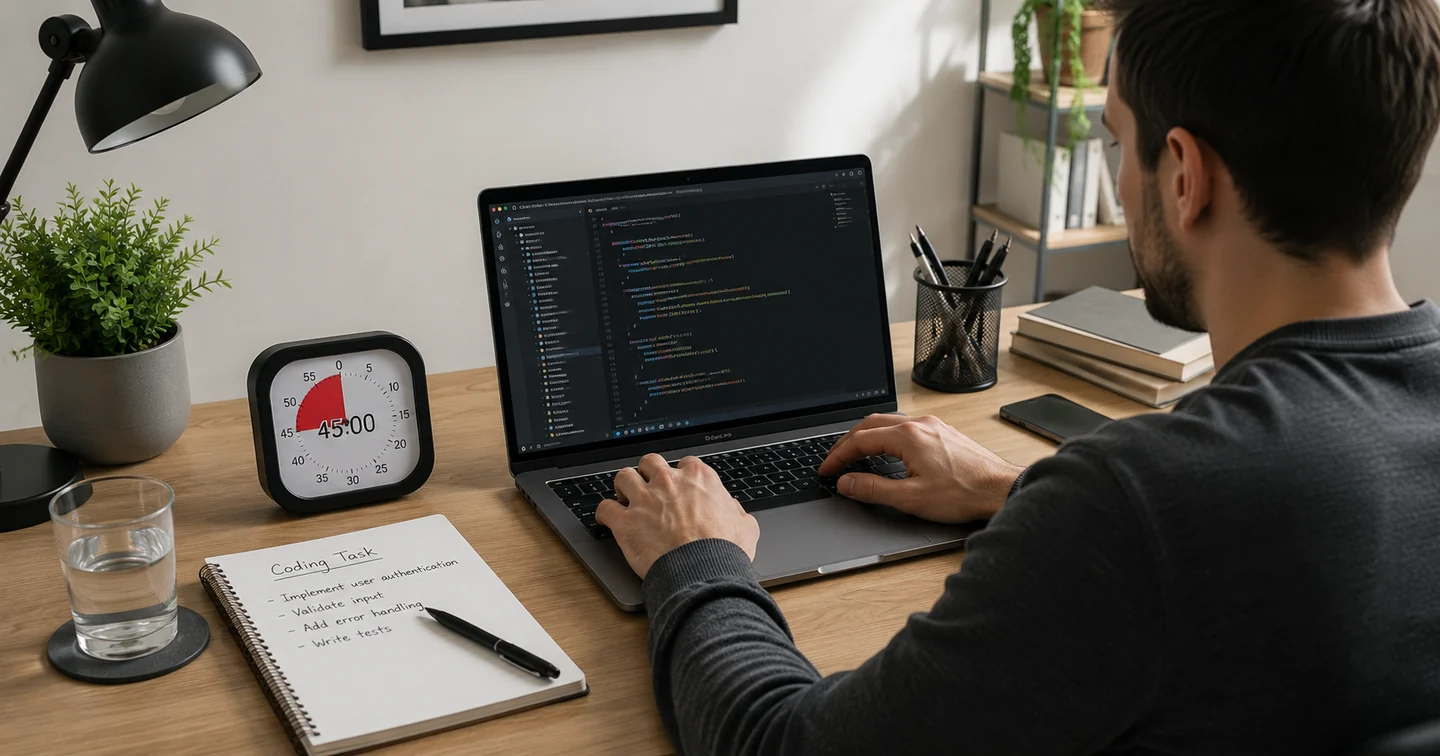
Why Pomodoro can work well for coding
Programming tasks often contain unclear boundaries. Goals like "fix the authentication bug," "build the settings screen," "refactor the database layer," or "read the API documentation" are too broad for one focused session.
The Pomodoro method creates a smaller commitment by providing:
- A clear starting point — you choose one task before the timer begins.
- A limited commitment — 25 or 45 minutes is easier to start than an open-ended session.
- A protected period — you avoid unnecessary app switching.
- A planned time to stop — the timer creates a natural check‑in point.
- A visible record of progress — you can review what was completed.
Prepare your coding environment
Preparation protects the timer. If you start before your environment is ready, you will spend the session waiting for builds, searching for files, or fixing broken dependencies.
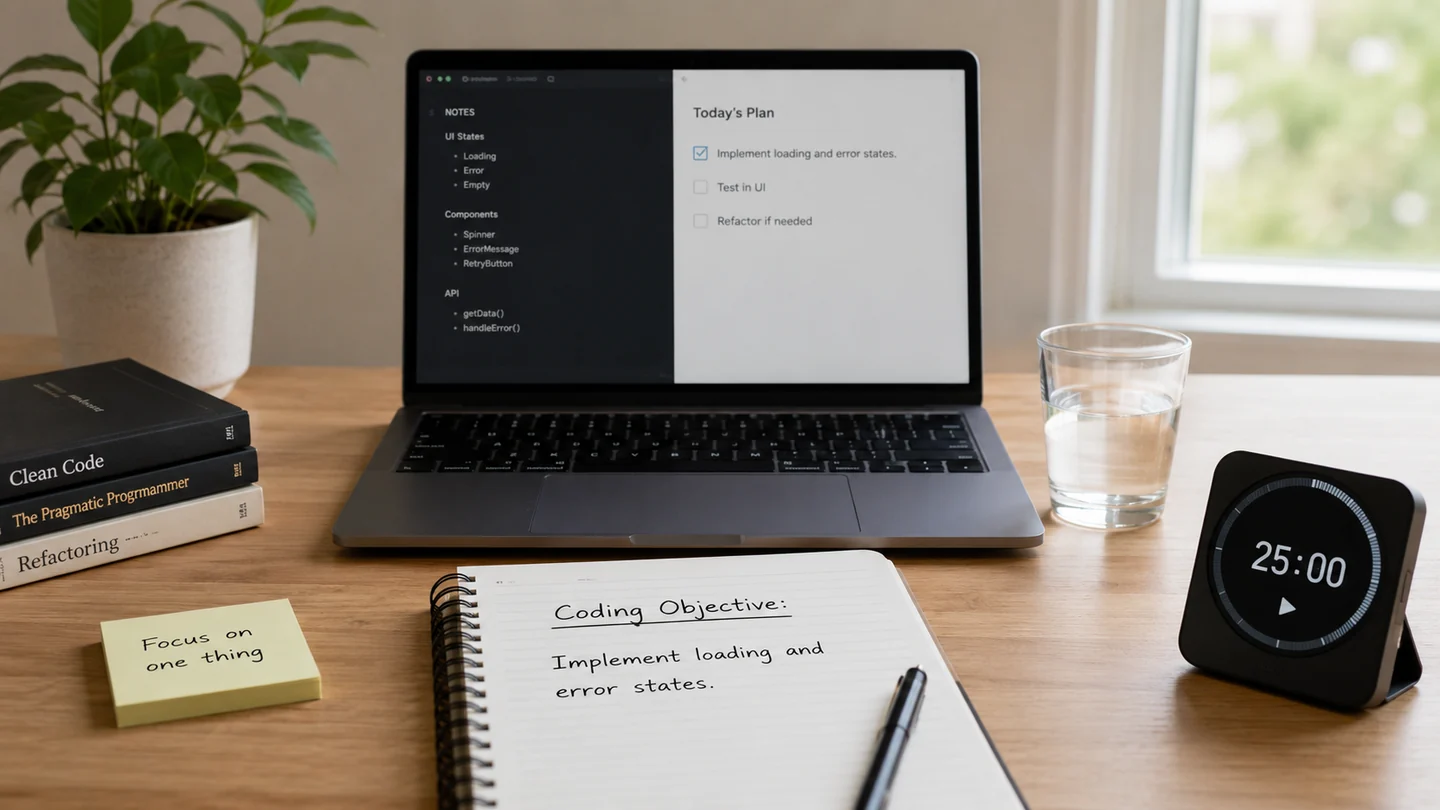
Before you start a coding Pomodoro:
- Open the correct project and pull or sync the latest code.
- Run the project once to confirm everything works.
- Open only the files you need for the current task.
- Close unrelated browser tabs and documentation.
- Silence nonessential notifications.
- Pause distracting apps (social media, messages, news).
- Keep relevant documentation links ready.
- Write your coding objective before starting.
- Keep water nearby and decide how to record progress.
Define one coding objective
A clear objective makes it easier to begin and to know when you have made progress. Compare these examples:
- Weak: "Work on the Android app."
Strong: "Add validation to the sign-up email field." - Weak: "Fix bugs."
Strong: "Reproduce and identify the cause of the playback crash." - Weak: "Study algorithms."
Strong: "Implement and test binary search." - Weak: "Improve performance."
Strong: "Measure the startup delay and identify the slowest initialization step."
Choose the right timer length for coding
The traditional Pomodoro is 25 minutes, but coding often benefits from longer sessions. The table below offers suggestions based on task type.
| Coding task | Suggested session | Why it may fit |
|---|---|---|
| Reading documentation | 25 minutes | Enough time to understand one focused topic |
| Small bug fix | 25–45 minutes | Allows reproduction, investigation and a targeted change |
| Feature implementation | 45 minutes | Provides more uninterrupted coding time |
| Deep debugging | 45–60 minutes | Useful when tracing state or complex behavior |
| Code review | 25–45 minutes | Supports focused reading without rushing |
| Learning a new concept | 25 minutes | Creates a clear lesson and practice period |
| Refactoring | 45 minutes | Allows a logical unit of cleanup |
| Technical interview practice | 45 minutes | Provides time for solving and reviewing one problem |
If a task feels difficult to begin, start with a 15-minute session focused only on:
- Reproducing the bug
- Reading the issue description
- Finding the relevant file
- Writing the first test
- Sketching the solution
Structure a complete coding Pomodoro
Here is a step‑by‑step process for a focused coding session.
Step 1: Write the coding objective
Example: "Implement loading and error states for the profile screen."
Step 2: Set the timer
Choose 25 or 45 minutes depending on the depth of the task.
Step 3: Work only on the selected task
Allow:
- Relevant documentation
- Required terminal commands
- Necessary testing
- Relevant code search
Avoid:
- Unrelated refactoring
- Checking social media
- Starting another feature
- Reading unrelated articles
- Reorganizing the entire project
Step 4: Write interruptions down
Keep a small "later" note. When you think of something unrelated, write it down and return to the task.
Examples of "later" notes:
- Rename the repository class
- Improve loading animation
- Check another API error
- Update the README
Writing the idea down prevents forgetting it without abandoning the current objective.
Step 5: Stop at a logical checkpoint
A safe stopping point might be:
- Code compiles
- One test passes
- Bug is reproduced
- Root cause is identified
- One UI state is complete
- Documentation notes are finished
Step 6: Record the result
Example: "Implemented loading state. Error state still needs retry behavior."
Step 7: Take a deliberate break
Step away from the keyboard. The next session should begin with the recorded checkpoint.
Use Pomodoro for debugging
Debugging is one of the most difficult tasks to estimate. A single session may not solve the issue, but you can make meaningful progress by dividing the work into stages.
Recommended debugging stages:
- Session 1: Reproduce the problem consistently.
- Session 2: Collect logs, stack traces and relevant state.
- Session 3: Form and test one hypothesis.
- Session 4: Implement the smallest possible fix.
- Session 5: Test the fix and check for regressions.
Useful debugging progress examples:
- Found the first failing function
- Confirmed the issue only occurs offline
- Ruled out the database layer
- Created a failing automated test
- Identified an incorrect lifecycle assumption
Use Pomodoro for learning and documentation
Pomodoro sessions work well for non‑coding development tasks that still require focus.
Suggested uses:
- Reading API documentation
- Learning a framework
- Watching a technical lesson
- Practicing algorithms
- Reading source code
- Writing project documentation
- Reviewing pull requests
Learning cycle:
- Read or watch for 20 minutes
- Practice or implement for 20 minutes
- Write a five‑minute summary
- Take a break
- Repeat only if the concept is still clear
Take useful breaks without losing coding momentum

Good break activities:
- Stand up and stretch
- Drink water
- Rest your eyes
- Walk briefly
- Change posture
- Look outside
- Take several slow breaths
- Use the bathroom
- Review the next objective on paper
Breaks that often break focus:
- Opening short‑video feeds
- Starting a game
- Reading unrelated developer news
- Joining a long chat
- Watching another tutorial
- Browsing GitHub without a specific reason
Common Pomodoro mistakes developers make
- Choosing an objective that is too broad. "Finish the backend" is not achievable in one session. Better: "Add validation to the login endpoint."
- Starting the timer before the project runs. Setup and dependency problems consume the entire session.
- Refactoring unrelated code. Developers often discover cleanup opportunities while implementing a feature. Write them down for later.
- Ignoring every break. Long uninterrupted work may increase fatigue and mistakes.
- Stopping in the middle of a fragile change. Stop at a safe checkpoint, not necessarily the exact second the timer ends.
- Using breaks for social media. A five‑minute break can easily become twenty minutes.
- Measuring only time. Record what changed, what was learned, what remains, and what should happen next.
- Using Pomodoro for urgent incidents. Production emergencies and time‑sensitive incidents may require a different workflow.
How Temvica supports focused coding sessions
If you want a dedicated Pomodoro timer that helps you structure coding sessions, Temvica is designed for focused work.
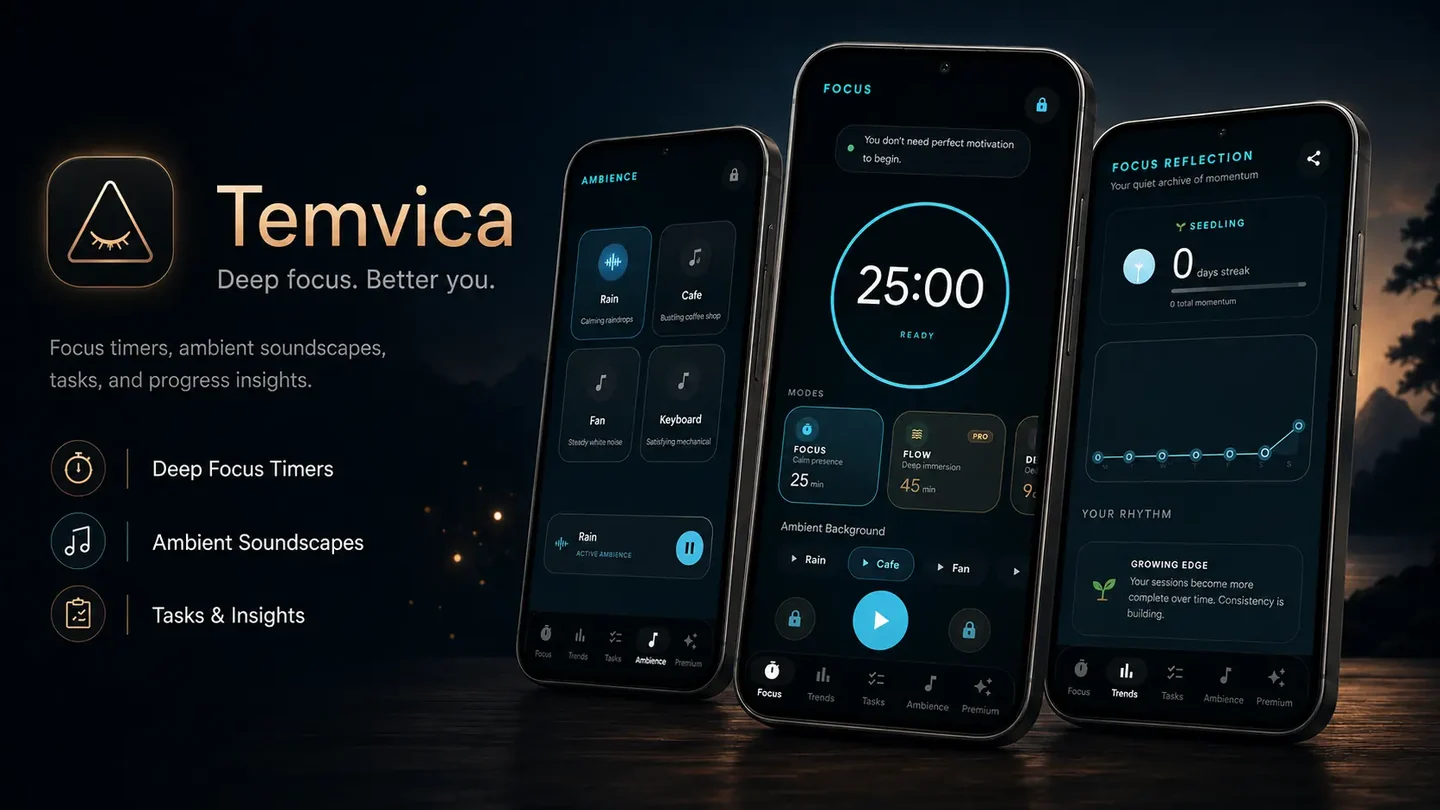
Temvica is an Android Pomodoro and focus timer that combines timed sessions, task planning, ambient sounds, and productivity insights. It helps you define a task before the timer begins and record progress after each session.
Key features for developers:
- Focus, Flow, Deep, and Rest modes — choose the intensity that fits your coding task.
- Custom focus and break durations — set 25, 45, or 60 minutes as needed.
- Task creation — create a coding task and link it to a session.
- Ambient sounds — rain, café, fan, keyboard, and custom audio for supported users.
- Progress insights — track completed sessions, focused minutes, daily streaks, and weekly activity.
- Background timer and offline support — the timer continues even when the app is minimised.
- Multiple timer styles — customise the look of your focus timer.
For example, you can create a task such as "Fix playback crash when the screen locks" and link it to a 45‑minute Deep session. The timer protects the defined objective, and you can record progress when it ends.
Temvica provides structure for coding sessions, but it does not guarantee productivity or replace proper rest. It is a practical tool for developers who want to apply the Pomodoro technique to their workflow.
Frequently asked questions
Is Pomodoro good for coding?
It can be. Pomodoro provides structure and may reduce unnecessary switching, but developers may need longer sessions for deep work. The technique is most useful when you are struggling to start or stay on task.
Should programmers use 25- or 45-minute sessions?
25 minutes works well for small tasks, reading, and learning. 45 minutes often suits implementation, debugging, and deep work. Start with 25 and extend if you find you need more time to settle into a task.
What happens if the timer ends while I am coding?
Finish a small safe checkpoint, write down the next step, and then take the break. Stopping at a logical point is more useful than stopping exactly when the timer rings.
Can I use Pomodoro for debugging?
Yes. Debugging can be divided into reproduction, evidence collection, hypothesis testing, fixing, and verification. Each stage can be a separate session.
Should I take a break when I am in flow?
You may complete a small logical unit first, but avoid skipping every break repeatedly. Long uninterrupted sessions can increase fatigue and reduce code quality over time.
Can computer-science students use Pomodoro for programming assignments?
Yes. Students can divide assignments into planning, implementation, testing, and review sessions. This approach makes large projects feel less overwhelming.
Final thoughts
A Pomodoro timer for coding works best when you:
- Define one visible coding objective
- Prepare your environment before starting
- Choose an appropriate timer length
- Avoid unrelated changes during the session
- Stop at a logical checkpoint
- Record the next step
- Take a deliberate break
The technique is not about working every minute — it is about protecting focused time and reducing the friction of starting a task.
One action to try today: Choose one small coding task, write a clear completion condition, and start a 25‑ or 45‑minute focus session. Even one completed session is progress.